

Digital Content and Design: A Practical Guide to Creating Clear Online Experiences
Learn how to plan, write and design useful digital content with clear visual hierarchy, consistent branding, accessible layouts and a repeatable publishing workflow.
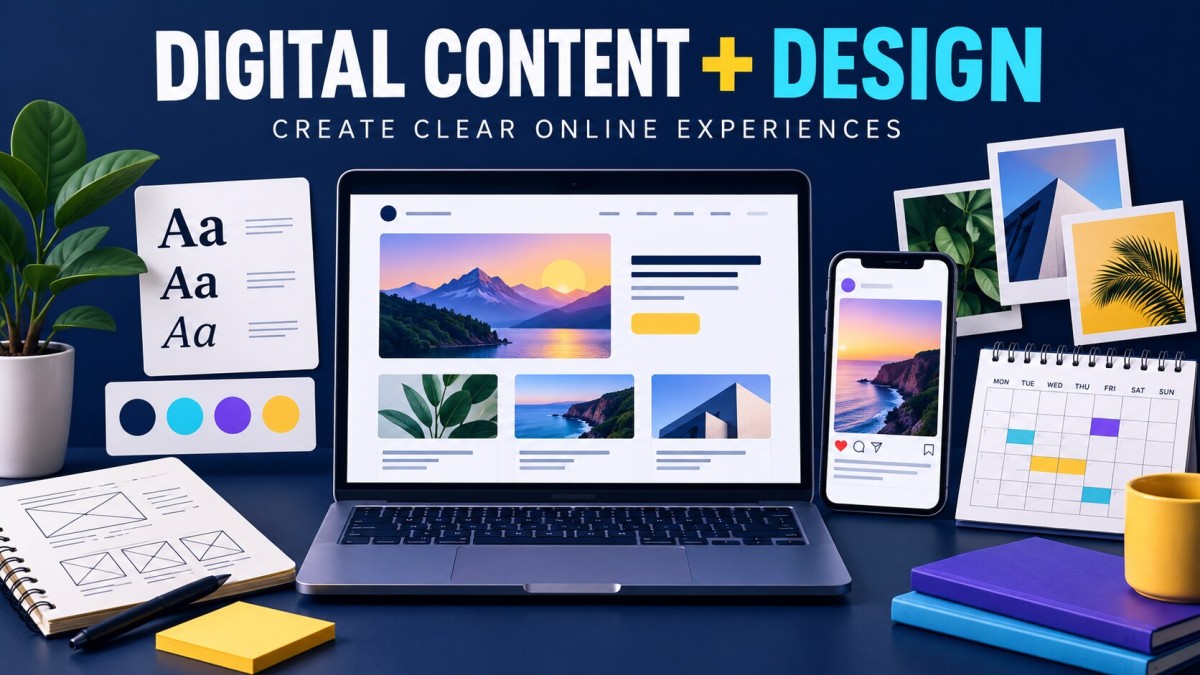
A visitor opens a website, scrolls through a social media feed or watches the first few seconds of a video. Before they understand the full message, they begin deciding whether the content deserves their attention.
Clear writing helps them understand what is being said. Good design helps them notice the right information and move through it comfortably.
Digital content and design work together to turn an idea into something people can read, watch, understand and use. Whether you run a small business, manage a website or create content for clients, learning these skills can improve how you communicate online.
What Is Digital Content?
Digital content is information created and shared through electronic channels.
It includes the words, images, videos, audio and interactive elements people encounter on websites, applications and digital platforms.
Common examples include:
-
Blog articles and website copy
-
Social media posts and captions
-
Product photographs
-
Educational videos and advertisements
-
Podcasts and voiceovers
-
Email newsletters
-
Downloadable guides
-
Interactive calculators and quizzes
Every piece of content should have a purpose. It might explain a topic, answer a question, demonstrate a product or help someone complete a task.
What Is Digital Design?
Digital design is the process of arranging visual and interactive elements to communicate a message or support a task on a screen.
It involves choices about typography, colour, images, spacing, layout and, where relevant, interaction.
For example, an online advertisement may contain a product photo, headline, price and button. Design determines which element attracts attention first, how easily the offer can be understood and whether the next action is obvious.
An attractive design is useful, but appearance alone is not enough. The audience must also be able to read and understand it.
How Content and Design Work Together
Imagine a business promoting an invoice-management application.
The content explains the benefit: users can record sales, track payments and follow up on outstanding amounts.
The design might show a clear application screenshot, a short headline and a visible download button.
If the copy is vague, a polished layout cannot explain the missing benefit. If the layout is cluttered, even useful information becomes difficult to read.
A strong result needs both:
A clear message and a visual structure that makes the message easy to follow.
Main Types of Digital Content and Design
Website Content
Website content introduces a business, explains its services and helps visitors find information.
Typical examples include homepages, service pages, articles, product descriptions and frequently asked questions.
Website design organises this content through navigation, page layouts, headings and forms.
Social Media Content
Social media content includes educational posts, product announcements, event graphics, short videos and customer stories.
Each post should communicate one main idea clearly. Trying to fit several unrelated messages into one graphic often weakens them all.
Graphic Design
Digital graphics include banners, thumbnails, posters, presentation slides and promotional images.
Their effectiveness depends on composition, readable typography and a clear relationship between text and visuals.
Video and Motion Content
Video combines moving images, editing, sound and sometimes animation.
A useful video might demonstrate a product, explain a process or tell a short story. Motion graphics can help highlight important information, but unnecessary animation can distract from the message.
Audio Content
Podcasts, interviews and voiceovers communicate through sound.
Clear recording, natural delivery and a well-structured script are central to a good listening experience.
Interactive Content
Calculators, questionnaires, quizzes and product selectors let users participate.
They work best when interaction helps people understand something or make a decision.
Start With a Content Strategy
A content strategy explains what you will create, who it will serve and why it matters.
Identify the Audience
Be specific about the people you want to reach.
A beginner learning about budgeting needs different explanations from a business owner reviewing cash-flow reports. Their questions, vocabulary and expectations will differ.
Choose One Main Objective
Decide what the content should achieve.
For example:
-
Explain how a service works
-
Answer a common customer question
-
Encourage an enquiry
-
Help someone use a product
-
Introduce a new offer
The objective should guide the format, message and call to action.
Define the Main Message
Write the central idea in one sentence before designing anything.
For example: “This application helps shop owners track unpaid customer bills.”
That sentence provides a useful test: does each element support the message, or distract from it?
Select the Right Format
A short demonstration may explain a feature better than a long paragraph. A detailed article may suit a complex topic better than a crowded poster.
Choose the format according to what the audience needs to understand.
Essential Design Principles
Visual Hierarchy
Visual hierarchy controls the order in which people notice information.
Size, position, contrast and spacing can guide attention from the headline to supporting details and then to an action.
When every element is equally prominent, the viewer has to work harder to find the main point.
Typography
Choose fonts that remain readable at the intended viewing size.
Use a consistent relationship between titles, headings and body text. Avoid too many typefaces, very thin lettering on busy backgrounds and long sections in all capitals.
Colour and Contrast
Colour can create emphasis and support brand recognition.
Check whether text remains readable against its background. Important information should not depend on colour alone; labels and other visual cues can help communicate the same meaning.
Spacing and Alignment
Space around an element helps distinguish it from nearby content. Related items should sit close enough to feel connected.
Consistent alignment makes a layout easier to scan and gives it a more organised appearance.
Image Quality
Use images that support the subject and survive the required crop.
Avoid stretching photographs, enlarging small images until they become blurry or placing important text over a visually busy area.
Consistency
Repeat useful design choices across related content: heading styles, spacing, colours and image treatment.
Consistency does not require every post to use an identical layout. Different compositions can still feel like part of the same brand.
A Practical Content-Creation Workflow
Step 1: Prepare the Brief
Record the audience, objective, main message, required format and deadline.
Include any exact wording, brand assets or dimensions that must be used.
Step 2: Gather Reliable Information
Collect product details, references, photographs and supporting material.
Verify factual claims before including them, particularly in content about finance, health, law or product performance.
Step 3: Write the First Draft
Prepare the headline, body copy, script or caption.
Use clear language and concrete benefits. Remove repeated points and vague claims that do not help the reader.
Step 4: Plan the Layout or Storyboard
Decide where the key elements belong before spending time on decorative details.
For video, map out the sequence of shots and the information each shot needs to communicate.
Step 5: Build the Design
Apply the chosen typography, colours, imagery and spacing.
Check that the design supports the approved message and that essential details are easy to find.
Step 6: Review in Context
View the work at its actual display size.
A poster that looks readable on a large monitor may be difficult to read on a phone. A video caption may be covered by an application’s controls.
Keep important text, faces and calls to action within safe visible areas.
Step 7: Publish and Evaluate
After publishing, review whether the content achieved its purpose. Use the findings to improve the next piece.
Designing for Readability and Accessibility
Accessible content helps more people understand and use your work.
Useful habits include:
-
Write descriptive headings.
-
Use readable text sizes.
-
Maintain sufficient text contrast.
-
Add meaningful alternative text to informative images.
-
Provide captions for spoken video content.
-
Make links and buttons clearly identifiable.
-
Avoid communicating important information through colour alone.
-
Keep essential content available as text rather than only inside images.
For websites, also consider keyboard navigation and clear form labels. Accessibility should be part of the design process from the beginning.
Using AI in Content and Design
AI can help generate ideas, explore layouts, create draft visuals and suggest wording.
However, the final work still needs human review. Check for incorrect facts, awkward phrasing, distorted objects, misspelled text and inconsistent visual details.
When working with product images, preserve the actual product’s appearance and specifications. Do not present generated scenes as evidence of real customers, events or results.
For factual charts and diagrams, use verified information and tools that allow precise control over labels and values.
How to Measure Content Performance
Select measurements that match the original objective.
| Objective | Useful measurements |
|---|---|
| Help people discover a business | Reach, impressions and relevant website visits |
| Explain a topic | Engaged reading, video retention and useful feedback |
| Generate enquiries | Completed forms, calls and qualified messages |
| Encourage purchases | Completed orders and conversion rate |
| Help existing users | Task completion and fewer repeated support questions |
A post with many views may still produce few useful enquiries. A smaller audience can be valuable when the content reaches people who need the service.
Compare results over time and test specific changes, such as a clearer headline or a simpler call to action.
Common Mistakes to Avoid
Designing Before Clarifying the Message
Starting with colours and effects often leads to a layout that looks busy but communicates little.
Overloading One Graphic
A poster should not carry an entire article. Put the essential message in the graphic and move supporting detail to the caption or linked page.
Repeating the Same Layout Everywhere
Different subjects need different compositions. Keep the brand recognisable while varying the way you present information.
Ignoring Mobile Viewing
Check text size, cropping and button placement on smaller screens.
Using Visual Effects Without a Purpose
Heavy glow, excessive animation and decorative elements can compete with the message.
Publishing Without Proofreading
Review spelling, dates, prices, names, links and calls to action before publishing.
Building a Useful Portfolio
A portfolio should show how you solve communication problems.
Include a focused selection of work, such as a website page, social campaign, product advertisement or short explainer video.
For each project, explain:
-
Who the content was intended for
-
What it needed to communicate
-
Your role in creating it
-
Why you chose that approach
-
The result, when reliable performance data is available
Label practice projects clearly. A thoughtful concept project is useful without presenting it as paid client work.
Frequently Asked Questions
What is the difference between content creation and design?
Content creation develops the message through writing, images, video or audio. Design organises how that message is presented and experienced.
Do I need expensive software to begin?
No. You can learn layout, typography, writing and editing with basic tools. Understanding the principles matters more than owning many applications.
Can one person handle both content and design?
Yes, particularly for smaller projects. More complex work may benefit from specialists in writing, design, editing or development.
How often should a business publish?
Choose a schedule that allows useful, accurate work to be produced consistently. Publishing frequently is less valuable when the content becomes repetitive or rushed.
What makes digital content effective?
It addresses a relevant audience need, communicates clearly, presents information accessibly and supports a meaningful next step.
Developing Your Skills
Choose one practical project and complete the full process: define the audience, write the message, create the layout and review it on the intended screen.
Ask someone unfamiliar with the project what they understood first and what they would do next. Their response can reveal problems that are easy to miss when you have spent hours creating the work.
Good digital content and design grow through this cycle of making, reviewing and improving.
What's Your Reaction?
 Like
0
Like
0
 Dislike
0
Dislike
0
 Love
0
Love
0
 Funny
0
Funny
0
 Wow
0
Wow
0
 Sad
0
Sad
0
 Angry
0
Angry
0

Software developer with expertise in full-stack web development and financial market analysis, specializing in building tracking tools for trading metrics.








Comments (0)